
⏱️ Save Time: How to Summarize Long YouTube Lectures in Seconds
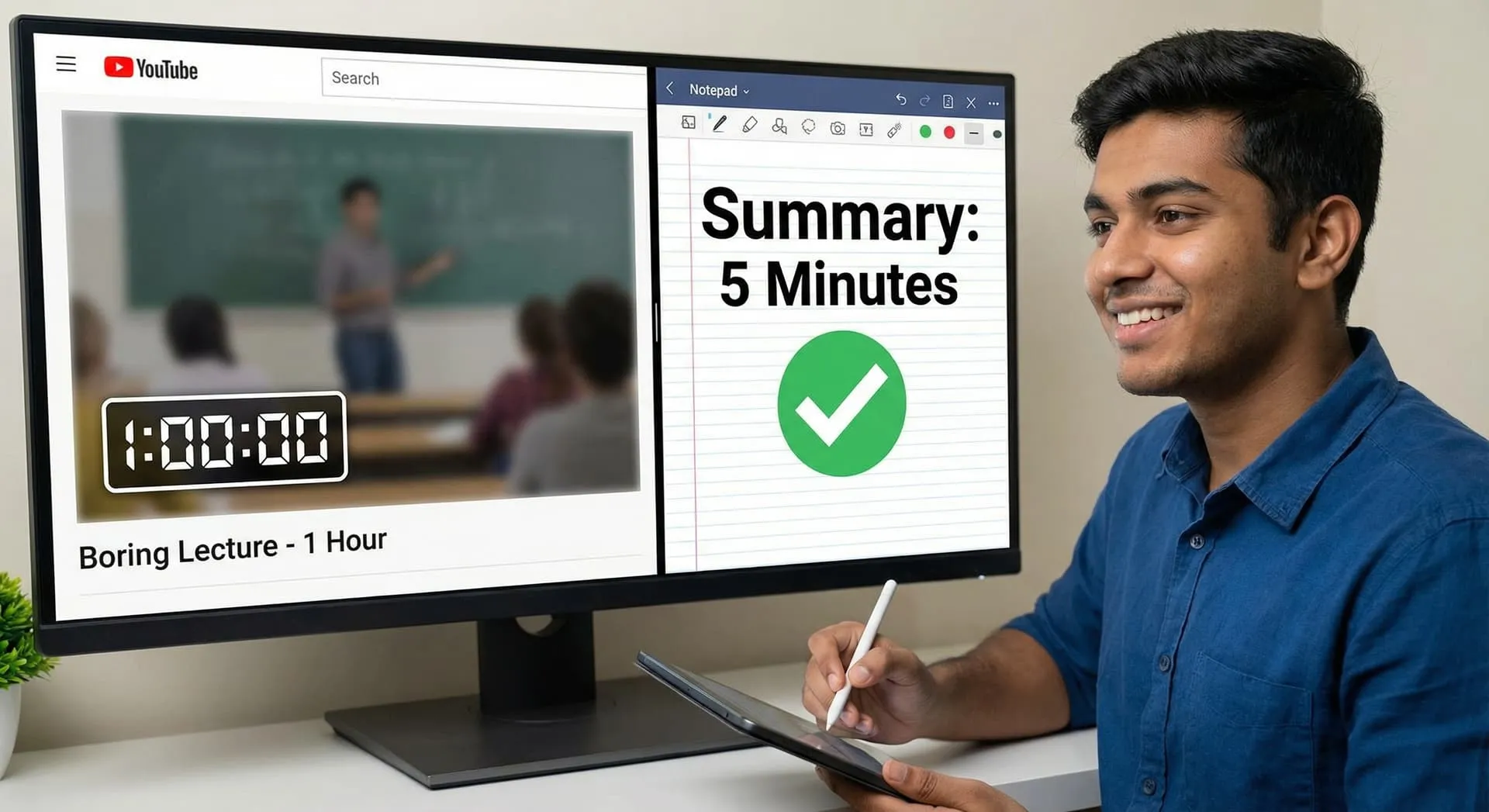
Exams are tomorrow, and you have 5 hours of lecture videos to watch. 😫
We have all been there. Watching a teacher speak slowly for one hour just to get 5 minutes of important information is frustrating.
But with AI, you don't have to watch the whole thing. Here is how to turn a video into text notes in seconds.
1. Use Free Chrome Extensions 🧩 There are free tools that connect ChatGPT to YouTube.
Tools to try: "YouTube Summary with ChatGPT" or "NoteGPT".
How it works: Install the extension on your laptop. When you open a YouTube video, a small button will appear. Click it, and it will generate the entire script of the video instantly!
2. Get the Summary (The Magic Trick) ✨ You don't want to read the whole script either. You want the main points.
Copy the video transcript (text).
Paste it into ChatGPT.
Type this prompt: "This is a transcript of a lecture about [Topic]. Please summarize it into 5 simple bullet points. Highlight the most important dates and definitions."
3. Ask Questions to the Video 🗣️ Some new AI tools (like ChatPDF or specialized video AIs) let you "talk" to the content.
You can ask: "What did the professor say about Newton's Third Law in this video?"
The AI will find that specific part and explain it to you. No need to scrub through the video timeline!
4. A Warning: Don't Skip Everything ⚠️ These tools are great for revision, but for difficult subjects (like Maths or Physics), you should still watch the video to understand the steps. Use AI for theory subjects like History, English, or Biology.
Conclusion Study smarter, not harder. Use these tools to clear your backlog of videos and spend your extra time practicing questions instead! 🎓