
UP Board Class 10 & 12 Result 2026: How to Download Marksheet Online
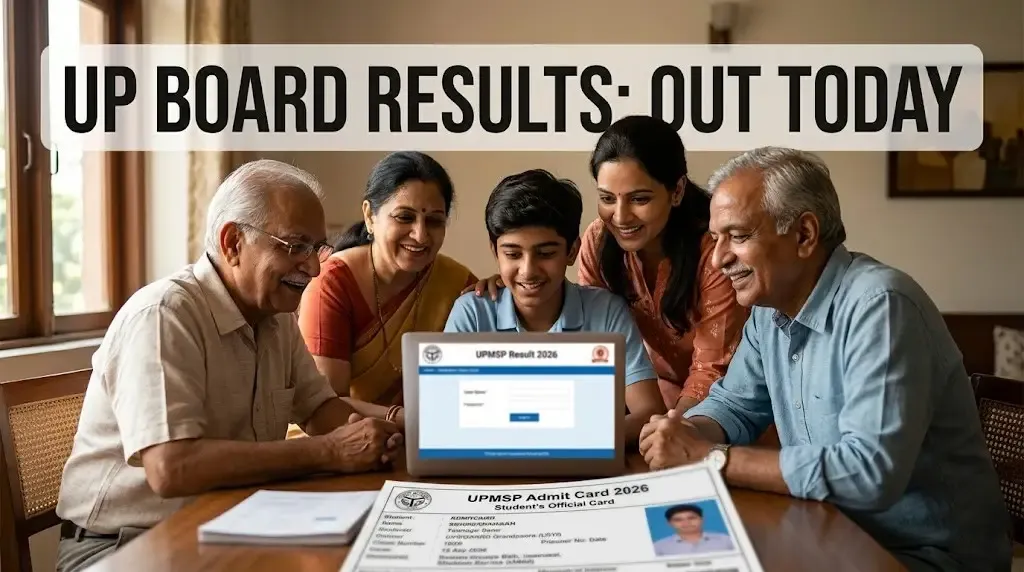
The Wait is Over: 52 Lakh Students Get Their Results Today
If you've been losing sleep over your boards, take a deep breath. The Uttar Pradesh Madhyamik Shiksha Parishad (UPMSP) is officially pulling the curtain back on the 2026 Class 10 and 12 results today, April 23, at exactly 4:00 PM. With over 52 lakh students registered-roughly 27.5 lakh in High School and 24.8 lakh in Intermediate-the rush on the official websites is going to be massive.
The evaluation of nearly 3 crore answer sheets was completed in record time by 1.5 lakh teachers, making this one of the fastest results cycles in the board's history. Don't worry if the main site starts lagging; we've got a few tricks to help you get your marksheet without the frustration.
Quick Stats: UP Board 2026 at a Glance
| Detail | Class 10 (High School) | Class 12 (Intermediate) |
|---|---|---|
| Registered Students | ~27.5 Lakh | ~24.8 Lakh |
| Result Time | 4:00 PM, April 23 | 4:00 PM, April 23 |
| Passing Marks | 33% in each subject | 33% in each subject |
| Official Link | upmsp.edu.in | upresults.nic.in |
How to Download Your Marksheet Online
When the clock strikes 4, the direct links will go live. Here is the step-by-step to get your scorecard:
- Step 1: Visit upmsp.edu.in or upresults.nic.in.
- Step 2: Look for the "UP Board Class 10 Result 2026" or "UP Board Class 12 Result 2026" links on the homepage.
- Step 3: Enter your Roll Number and, for Class 12, your School Code (as mentioned on your admit card).
- Step 4: Submit and your marksheet will pop up on the screen.
- Step 5: Download the PDF and take a printout immediately.
No Internet? Use the SMS Method
If you're in an area with a shaky connection or the website crashes, the SMS service is your best friend. Just send a text in this format:
- For Class 10: Type
UP10 <space> RollNumberand send it to 56263. - For Class 12: Type
UP12 <space> RollNumberand send it to 56263.
Using DigiLocker for a Verified Copy
The marksheet you download today is provisional. For official use, like college admissions, you can download a digitally verified copy from DigiLocker. Simply log in to the DigiLocker portal, select "UP Board," enter your roll number and the year 2026, and your marksheet will be saved to your "Issued Documents."
What’s Next After the Result?
Once you have your scorecard, check your details carefully-your name, parents' names, and school code should all be correct. If you unfortunately miss the 33% mark in one or two subjects, don't panic. UPMSP will announce dates for compartment exams shortly, giving you a second chance to pass this year.
Conclusion
Millions of dreams are riding on today’s 4 PM announcement. Whether the result is exactly what you hoped for or not, remember it's just the start of your journey. Keep your admit card handy, stay calm, and good luck to everyone hitting that refresh button today!

Written by
Palak PatelEducation writer Palak Patel covers the latest education news, board exam updates, results, and career opportunities.