
Meghalaya Board MBOSE SSLC Class 10 Result 2026: How to Check and Download Scorecard
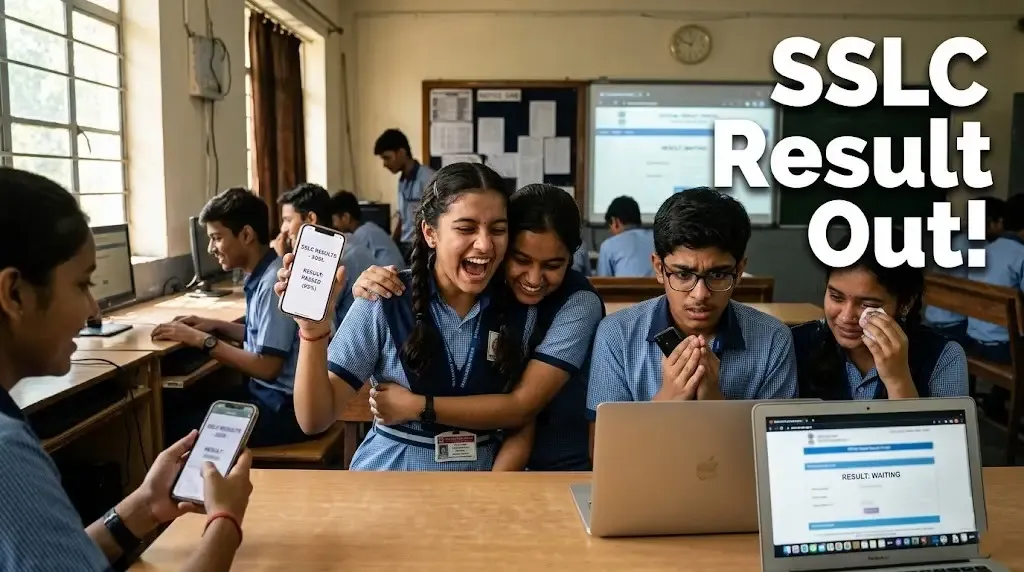
MBOSE SSLC Result 2026 Released: Check Your Scorecard Now
The Meghalaya Board of School Education (MBOSE) has officially declared the SSLC Class 10 Result 2026 on April 7.
👉 Check your result here:
MBOSE SSLC Result 2026 Scorecard Link
Students can now access their marksheets online by entering their roll number on the official website.
Official Websites to Check Result
- megresults.nic.in
- mbose.in
- mboseresults.in
Due to heavy traffic, websites may load slowly. Students are advised to stay patient while checking results.
How to Check MBOSE SSLC Result 2026
Follow these simple steps:
- Visit the official website (link above)
- Click on “SSLC Result 2026”
- Enter your roll number
- Click on submit
- Your result will appear on screen
Students must download and save their scorecard for future use.
Details Mentioned in Scorecard
- Student name
- Roll number
- Subject-wise marks
- Total marks
- Pass/fail status
Check all details carefully. In case of any error, contact your school immediately.
Alternative Way (If Website Crashes)
If the website is slow or not opening, students can also check their result via SMS:
- Type: MBOSE10 RollNumber
- Send to: 56263
You will receive your result directly on your mobile phone.
Final Thought
This result is an important step, but not the final destination.
Whether your marks are high or average, what matters is your next decision. Stay calm, check your result carefully, and plan your next move smartly.

Written by
Palak PatelEducation writer Palak Patel covers the latest education news, board exam updates, results, and career opportunities.