
How Students Can Use AI for Coding Practice Without Copy-Paste
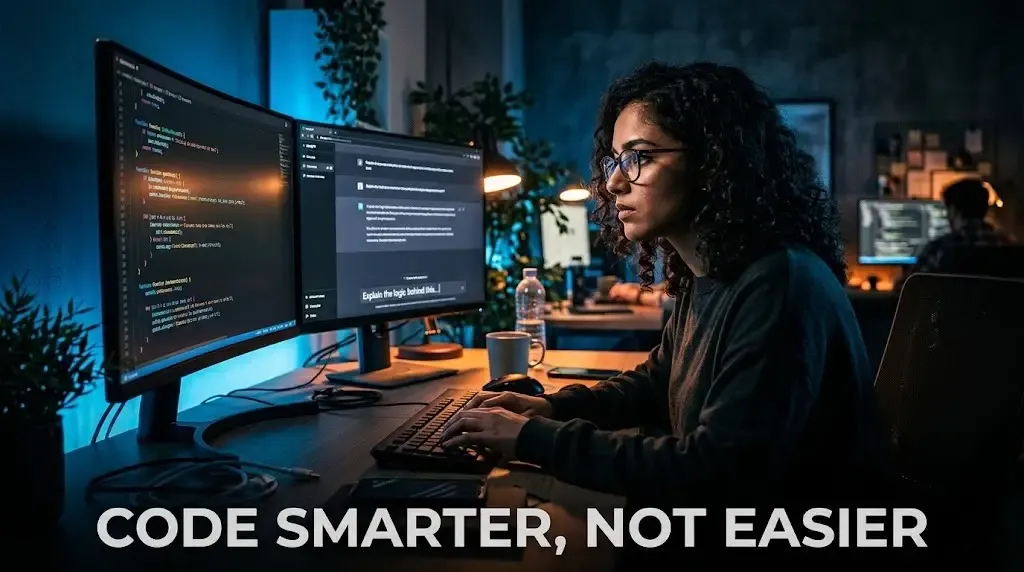
Beyond the Clipboard: Building a "Developer Brain" in the Age of AI
Look, we’ve all been there. You’re staring at a LeetCode problem or a stubborn React component, and the temptation to just hit "Generate Code" is overwhelming. It feels like progress. You see the green checkmark, the code runs, and you move on. But here’s the cold truth: if the AI did the thinking, you didn't do the learning.
In 2026, being a "coder" isn't about knowing where the semicolons go—AI has that covered. It’s about logic, architecture, and knowing "why" a solution works. When you copy-paste, you're essentially outsourcing your own career growth. The real magic happens when you treat AI like a senior developer sitting next to you, not a ghostwriter.
Quick Comparison: How You’re Using AI vs. How You Should
| Action | The "Crutch" Habit (Copy-Paste) | The "Coach" Habit (Learning) |
|---|---|---|
| Stuck on a Bug | "Fix this code for me." | "Explain why I might be getting a NullPointerException here." |
| Starting a Project | "Write a Python script for a weather app." | "List the steps and data structures I need for a weather app." |
| Learning Syntax | Copying the block and moving on. | "Explain this specific line like I'm a beginner." |
| Interview Prep | Memorizing generated solutions. | "Give me a hint for the optimal time complexity, but don't show code." |
1. The "Pseudo-code Only" Rule
The best way to break the copy-paste cycle is to ban the AI from writing actual code for the first 15 minutes of your session. Instead, ask it for the algorithmic steps. If you're building a sorting algorithm, ask for the logic in plain English. Write your own code based on those instructions. If it fails, you’ll actually know where the logic broke down because *you* were the one translating thought into syntax.
2. Use the Socratic Debugging Method
When your code throws an error, don't just dump the whole file into the chat. Tell the AI: "I have a bug. Don't give me the solution. Ask me three questions that will lead me to find the mistake myself." This forces your brain to re-trace its steps. It’s annoying at first, sure, but it’s exactly how you build the mental muscle needed for high-stakes technical interviews where there is no "Generate" button.
3. The "Reverse Engineering" Challenge
Sometimes you really are stuck and need to see a solution. Fine. But don't just paste it and close the tab. Paste it, and then ask the AI to critique your original attempt. Ask: "Where was my logic flawed compared to this better version?" Understanding your own mistakes is worth ten times more than seeing someone else's perfect answer.
Why This Matters for Your Career
Companies in 2026 aren't hiring people to write boilerplate; they’re hiring people to solve problems. If you can’t explain the *why* behind a block of code during a whiteboarding session, it won't matter how fast you can prompt an LLM. Using GitHub Copilot or ChatGPT as a tutor builds a foundation. Using them as a crutch builds a house of cards.
Conclusion
The goal isn't to work harder; it's to work smarter. By shifting from "Give me the code" to "Guide me to the code," you turn every practice session into a deep-learning experience. Next time you're stuck, remember: the goal is to become the person who can guide the AI, not the person who is replaced by it. Start with the logic, keep the clipboard empty, and let your brain do the heavy lifting.

Written by
Palak PatelEducation writer Palak Patel covers the latest education news, board exam updates, results, and career opportunities.
Comments
No comments yet. Be the first!