
Top Chrome Extensions Every Student Should Use in 2026
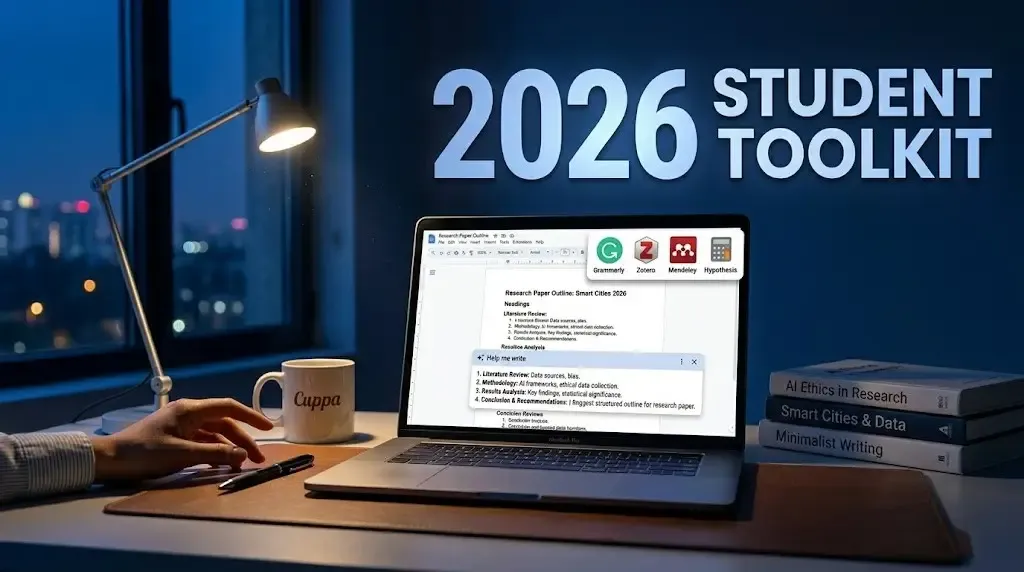
Stop Working Harder, Start Studying Smarter: The 2026 Extension Guide
Let’s be honest: being a student in 2026 is basically a full-time job in managing digital chaos. Between the fifty open tabs for a single research paper and the constant pull of social media, it's a miracle anything gets done at all. But here’s the secret—the right Chrome extensions can turn your browser from a distraction factory into a high-powered research lab.
Whether you’re drowning in citations or just can't seem to stay off YouTube, there’s a tool for that. We’ve tested the latest AI-driven and productivity-focused extensions to find the absolute best "digital assistants" for your 2026 academic year.
The "Big Five" Essential Extensions
| Extension | Primary Use | Why You Need It |
|---|---|---|
| Grammarly | Writing Support | AI-powered grammar, tone, and plagiarism checks. |
| PapersFlow | AI Research | One-click citation capture and AI analysis of 474M+ papers. |
| Forest | Focus Timer | Gamifies focus by growing a virtual tree while you work. |
| OneTab | Tab Management | Converts all open tabs into a list to save memory and focus. |
| Cite This For Me | Citations | Instant APA, MLA, and Harvard citations for any webpage. |
1. The AI Power-Up: PapersFlow & Scholarcy
Research used to mean reading dozens of long-form PDFs. In 2026, PapersFlow acts as your research command center. It not only saves your citations but uses AI to verify them and even run deep research queries directly from your terminal or browser. If you're struggling to digest a 12-page journal article, Scholarcy can condense it into 3-4 bullet insights in seconds, saving you hours of skimming.
2. Writing with Confidence: Grammarly & Voicy
Grammarly remains the gold standard for flawless essays, catching typos and suggesting tone improvements in real-time. But for those days when you're tired of typing, Voicy offers highly accurate AI voice-to-text. It works across almost any site, from Google Docs to Notion, allowing you to "speak" your first draft while it handles the punctuation.
3. Beating the Distraction Monster: Forest & Unhook
It’s easy to open YouTube for a "five-minute break" and emerge 45 minutes later. Unhook solves this by removing the recommendation sidebar and homepage feed, letting you watch only what you searched for. For deep work sessions, Forest is a favorite. If you leave the focused page to browse distractions, your virtual tree dies. It sounds silly, but building a virtual forest of your study sessions is surprisingly motivating.
4. Organizing the Chaos: OneTab & Web Highlights
If your computer fan sounds like a jet engine, you likely have too many tabs open. OneTab collapses all those tabs into a single list, reducing browser clutter and saving up to 95% of memory. Pair this with Web Highlights, which lets you highlight text on any webpage or PDF and organize those snippets with tags so you never lose that "one perfect quote" again.
Conclusion
The best part about these tools? Most of them have free tiers that are more than enough for a typical student budget. Start by installing OneTab to clear your head, then add PapersFlow to streamline your next research paper. Don't wait until finals week—set up your 2026 digital toolkit now and let these extensions do the heavy lifting for you.

Written by
Palak PatelEducation writer Palak Patel covers the latest education news, board exam updates, results, and career opportunities.
Comments
No comments yet. Be the first!