
Free Portfolio Websites Students Can Use to Showcase Skills
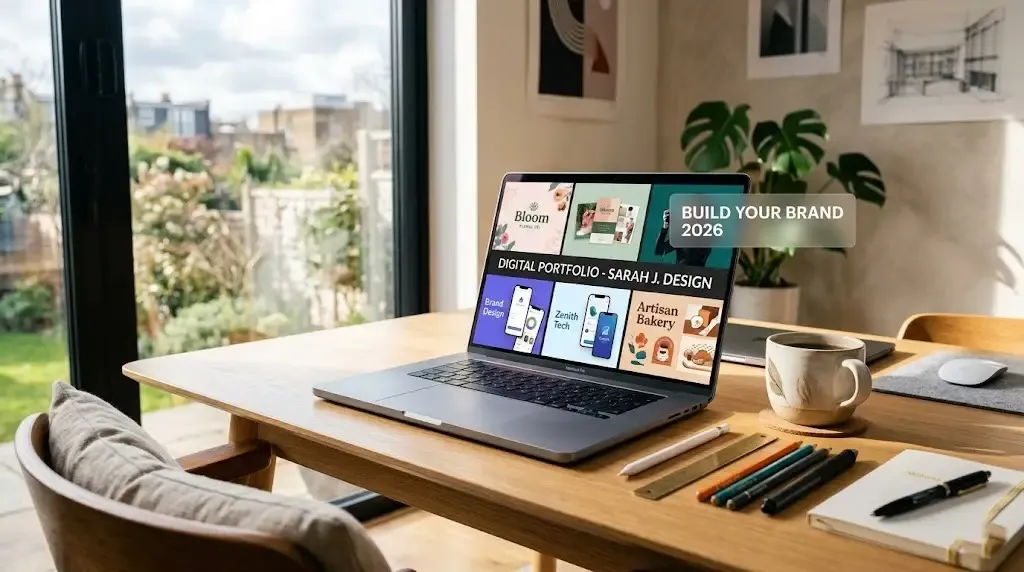
Beyond the Resume: Why Every Student Needs a Portfolio Today
Let's be real—sending a PDF resume in 2026 feels a bit like sending a fax. Employers aren't just looking at your GPA anymore; they want to see the story behind your projects. A portfolio website allows you to show your creative process, your failures, and how you eventually found a solution.
The good news? You don't need to be a coding genius or have a massive budget to look professional. There are plenty of high-quality, free platforms designed specifically to help students get their work online without spending a dime.
Quick Comparison of Top Free Platforms
| Platform | Best For... | Ease of Use | Vibe |
|---|---|---|---|
| Wix | Design & Creative fields | High (Drag & Drop) | Polished & Custom |
| Notion | Tech, Research & Case Studies | Very High | Minimalist & Structured |
| Adobe Express | Quick visual showcases | Instant | Modern & Graphic |
| Behance | Artists & Photographers | Moderate | Community-focused |
| Webflow | Developers & Advanced UX | Low (Learning Curve) | Professional & Unique |
1. Wix: The King of Templates
If you want your site to look like a $5,000 custom-coded masterpiece, Wix is your best bet. They offer over 800 portfolio-specific templates and a massive library of student-friendly designs. The drag-and-drop editor is incredibly intuitive, meaning you can move elements around until they're pixel-perfect. Just keep in mind that the free version includes a Wix banner at the top, but it's a small price to pay for such high-end design tools.
2. Notion: The Case Study Specialist
For my friends in data science, engineering, or research, Notion is a game-changer. It’s not a traditional "website builder," but its personal plan is free and perfect for creating clean, document-style portfolios. It excels at "showing your work"—you can easily embed code snippets, research papers, and process photos. While it might look a bit "generic" compared to Wix, it tells a technical story better than almost any other tool.
3. Adobe Express: The No-Fuss Option
If you need a portfolio ready by tomorrow's internship deadline, Adobe Express is the fastest way to get there. You don't need any design skills; you just pick a theme, upload your photos, and it handles the layout for you. It’s especially great for marketing and communications students who want a visual "scroll-stopping" page that looks professional on both mobile and desktop.
What Should Your Portfolio Actually Include?
Don't just dump every assignment you've ever done into a folder. To actually impress a recruiter, your portfolio should follow this flow:
- A Strong "About" Section: Skip the corporate fluff. Tell your story—what drives you and where you're headed.
- 3-5 Top Projects: Quality over quantity. Pick the projects you're most proud of.
- The "How-To" Reflections: For every project, write 2–4 sentences on what you learned and the tools you used (like Python, Photoshop, or SQL).
- A Clear Contact Page: Make it easy. Link your LinkedIn, GitHub, or just a simple email address.
Conclusion
Building a portfolio is probably the most productive thing you can do for your career this weekend. Most students wait until they graduate to think about their personal brand, but starting now gives you a massive head start. Pick the tool that fits your "vibe"—whether it's the flashy templates of Wix or the technical depth of Notion—and start showing the world what you can do.

Written by
Palak PatelEducation writer Palak Patel covers the latest education news, board exam updates, results, and career opportunities.