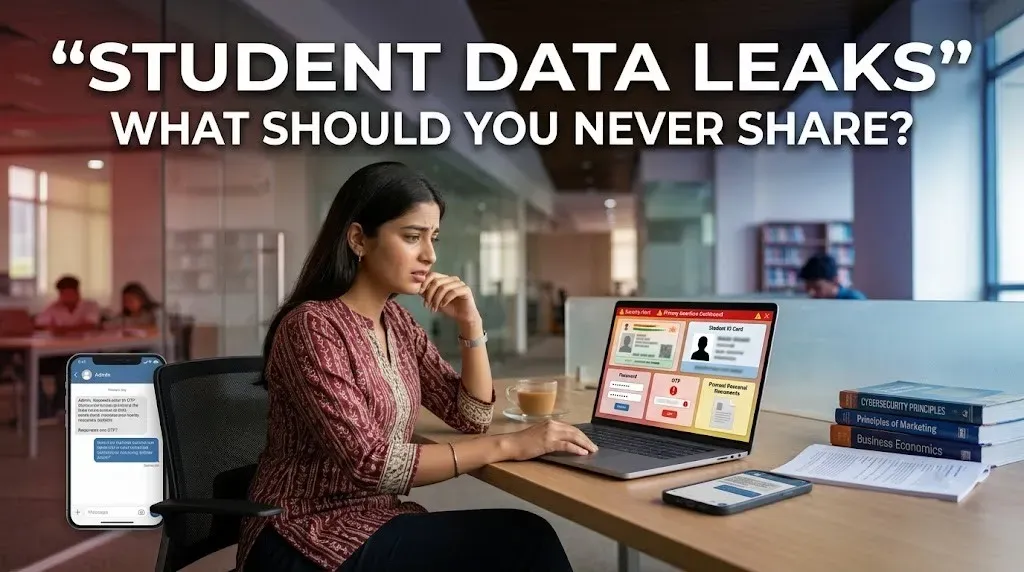
Students share a lot online, from college documents and screenshots to forms and social media posts. The problem starts when a harmless-looking screenshot contains information that someone else can use. A student ID, phone number or identity document can become useful to scammers when combined with other details.
Passwords and OTPs should always stay private. This includes login credentials for college portals, email, social media and banking apps. CERT-In specifically advises users not to share passwords, OTPs, banking credentials or sensitive personal information through messaging apps.
| Keep Private | Why It Matters |
|---|---|
| Passwords, PINs and OTPs | Can give someone access to your accounts |
| Aadhaar and other ID documents | May expose sensitive identity information |
| Bank and payment details | Can be misused in financial scams |
| Private photos and documents | Copies may remain online or in cloud storage |
Aadhaar is another document students should handle carefully. UIDAI says Aadhaar can be used when identity verification is required, but it should not be openly posted on public platforms such as social media. This means students should think twice before uploading an Aadhaar image to a public post, group or random website.
Be careful with college-related screenshots too. Admission forms, fee receipts, exam documents and ID cards can contain names, registration numbers, phone numbers or other identifiers. India's National Cyber Crime Reporting Portal also advises students to use appropriate privacy settings and be selective about who can see their photos and personal information online.
If you accidentally share sensitive information, act quickly. Delete the post or message where possible, change any exposed password, enable two-factor authentication and inform the relevant institution or service provider. If you face an actual cybercrime or financial fraud, you can report it through the [National Cyber Crime Reporting Portal]
A simple rule can prevent many problems: before sending or posting something, check what personal information is visible in the screenshot. If a stranger could use it to identify you, access an account or impersonate you, keep it private.