
Digital Privacy Tips Every College Student Should Follow
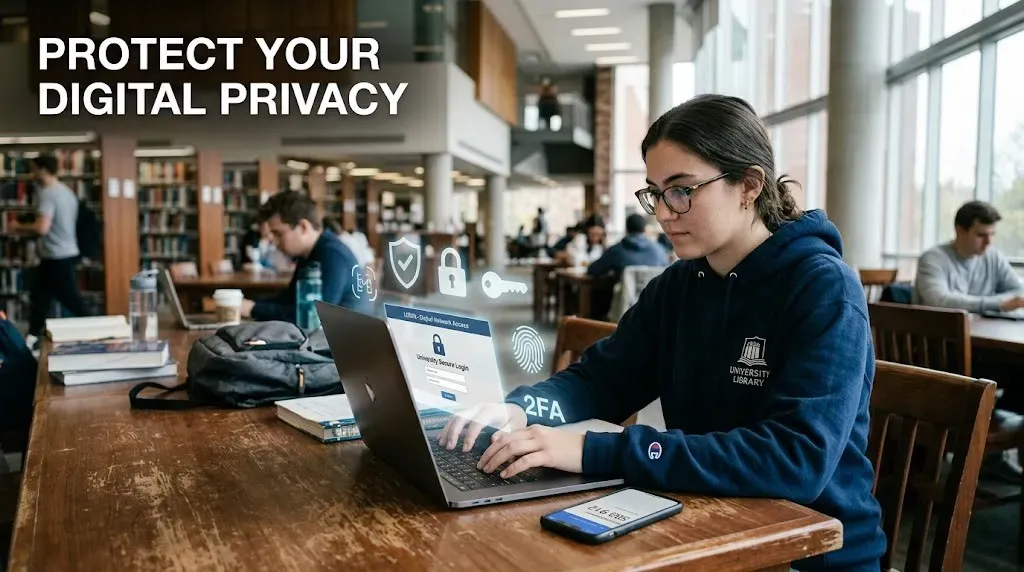
Digital Privacy Tips Every College Student Should Follow
College life is more connected than ever. Students attend online classes, submit assignments through learning platforms, make digital payments, use public WiFi, and spend hours on social media. Every login leaves a digital footprint, and small privacy mistakes can lead to hacked accounts, identity theft, financial fraud, or loss of academic data.
The good news is that protecting your privacy does not require expensive software. A few smart habits can dramatically reduce your risk.
Your biggest risk is usually not hackers
Many students imagine cybercriminals breaking into sophisticated systems. In reality, most compromises happen because of weak passwords, phishing emails, fake websites, oversharing on social media, or unsecured public networks. Human error remains one of the most common causes of security incidents.
Essential digital privacy habits
| Habit | Why It Matters |
|---|---|
| Use strong unique passwords | Prevents multiple accounts from being compromised |
| Enable two factor authentication | Adds an extra layer of account security |
| Keep devices updated | Fixes known security vulnerabilities |
| Review privacy settings | Limits unnecessary data sharing |
| Backup important files | Protects assignments and personal documents |
Be careful with public WiFi
Campus libraries, cafes, airports, and hostels often provide free WiFi, but public networks may not always be secure. Avoid accessing online banking, entering sensitive passwords, or downloading confidential files while connected to unknown networks unless you are using a trusted encrypted connection.
If you regularly work outside your home, consider using a reputable virtual private network for additional protection.
Think before installing apps
Many free apps request permissions that are unrelated to their purpose. A note taking application usually does not need constant access to your contacts, microphone, or location. Before installing an app, review its permissions and disable access that is not necessary.
Social media can reveal more than you expect
Students often post class schedules, hostel locations, travel plans, student identification cards, or screenshots containing personal information. Individually these posts seem harmless, but together they can reveal valuable details that may be misused for scams or impersonation.
| Avoid Sharing | Safer Alternative |
|---|---|
| Student ID cards | Hide personal information before posting |
| Live location updates | Share after leaving the location |
| Exam admit cards | Keep academic documents private |
| Personal phone number publicly | Use privacy settings to limit visibility |
Phishing messages look more convincing today
Cybercriminals increasingly imitate universities, scholarship portals, banks, and placement companies. A message may appear genuine while directing you to a fake login page. Before clicking a link, verify the sender, check the website address carefully, and avoid downloading unexpected attachments.
One habit many students ignore
Most students secure their email with a strong password but forget that the email account is often the recovery method for banking apps, social media accounts, cloud storage, and academic portals. Protecting your primary email account should be your highest priority because it can control access to many other services.
Digital privacy versus convenience
| Convenient Choice | More Secure Choice |
|---|---|
| Same password everywhere | Unique password for each account |
| Public profile | Restricted profile visibility |
| Automatic app permissions | Review permissions individually |
| Ignoring software updates | Install updates promptly |
| Saving passwords in shared browsers | Use a trusted password manager |
Protect your academic work too
Assignments, research papers, project source code, internship documents, and certificates are valuable files. Store backups in a trusted cloud service or an external drive. Losing months of work because of a stolen laptop or hardware failure is more common than many students expect.
Privacy settings should not be ignored
Most online platforms allow you to control who can see your profile, posts, contact information, and activity. Reviewing these settings once every few months is a simple habit that reduces unnecessary exposure as platforms update their features.
Useful questions before sharing information online
| Question | If the Answer is No |
|---|---|
| Do I know who will see this information? | Do not share it. |
| Does this app really need this permission? | Deny unnecessary access. |
| Is this website official? | Verify before logging in. |
| Have I backed up this important file? | Create a backup first. |
Use official security guidance
Students should regularly follow security recommendations published by their university, device manufacturers, browser developers, and trusted cybersecurity organizations. Official guidance is updated whenever new online threats emerge, making it more reliable than viral social media advice.
Digital privacy is not about hiding from the internet. It is about controlling who can access your information and reducing unnecessary risks. Students who develop strong privacy habits today will protect not only their academic records but also their future careers, finances, and online identities.

Written by
Palak PatelEducation writer Palak Patel covers the latest education news, board exam updates, results, and career opportunities.